 Beef
Beef Chicken
 Whitefish
 Pork
Pork Lamb
Lamb Turkey
 Turducken
 All Protein
 Beef
Beef Chicken
 White Fish
 Pork
Pork Turkey
 Duck
Duck All Products
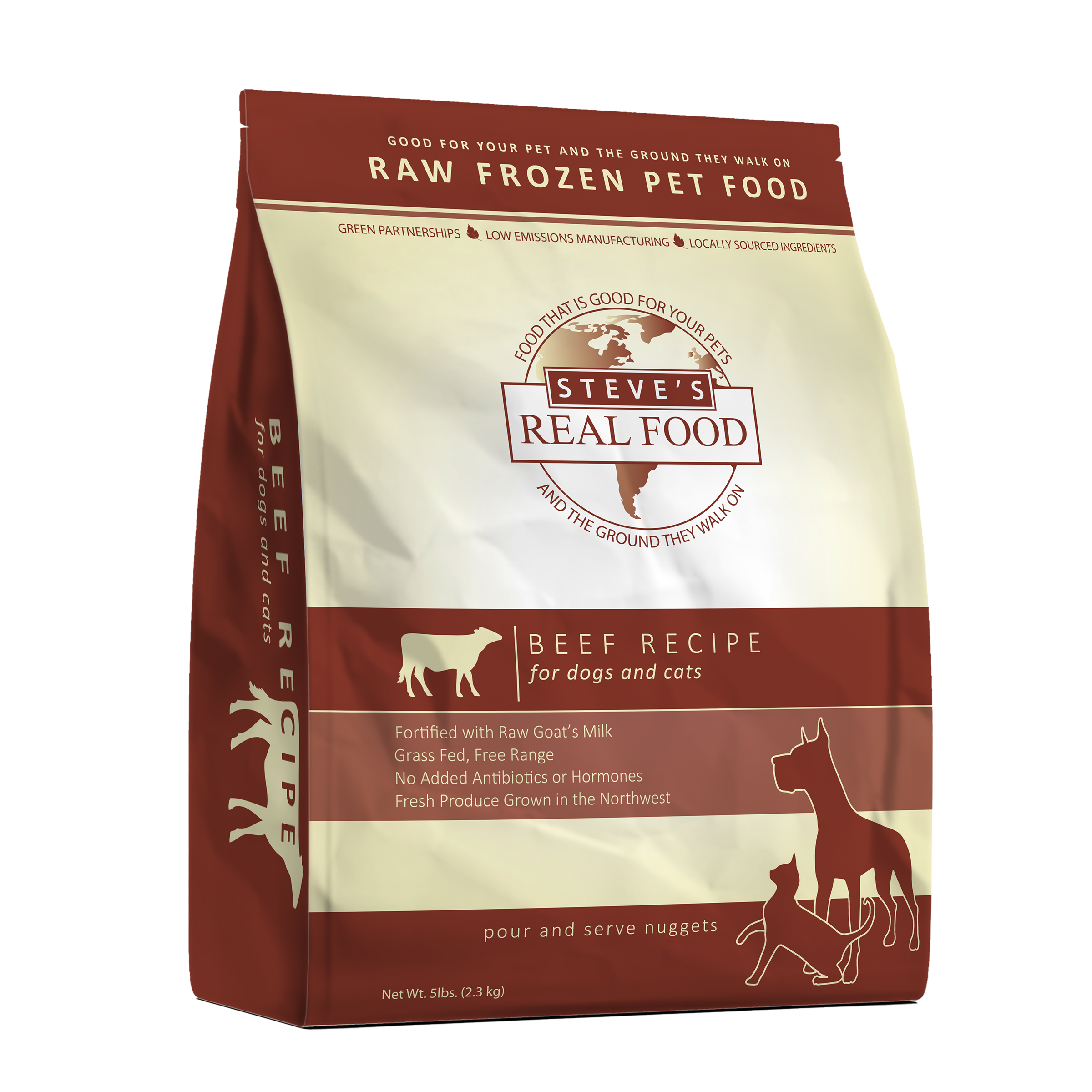 Frozen Raw Food
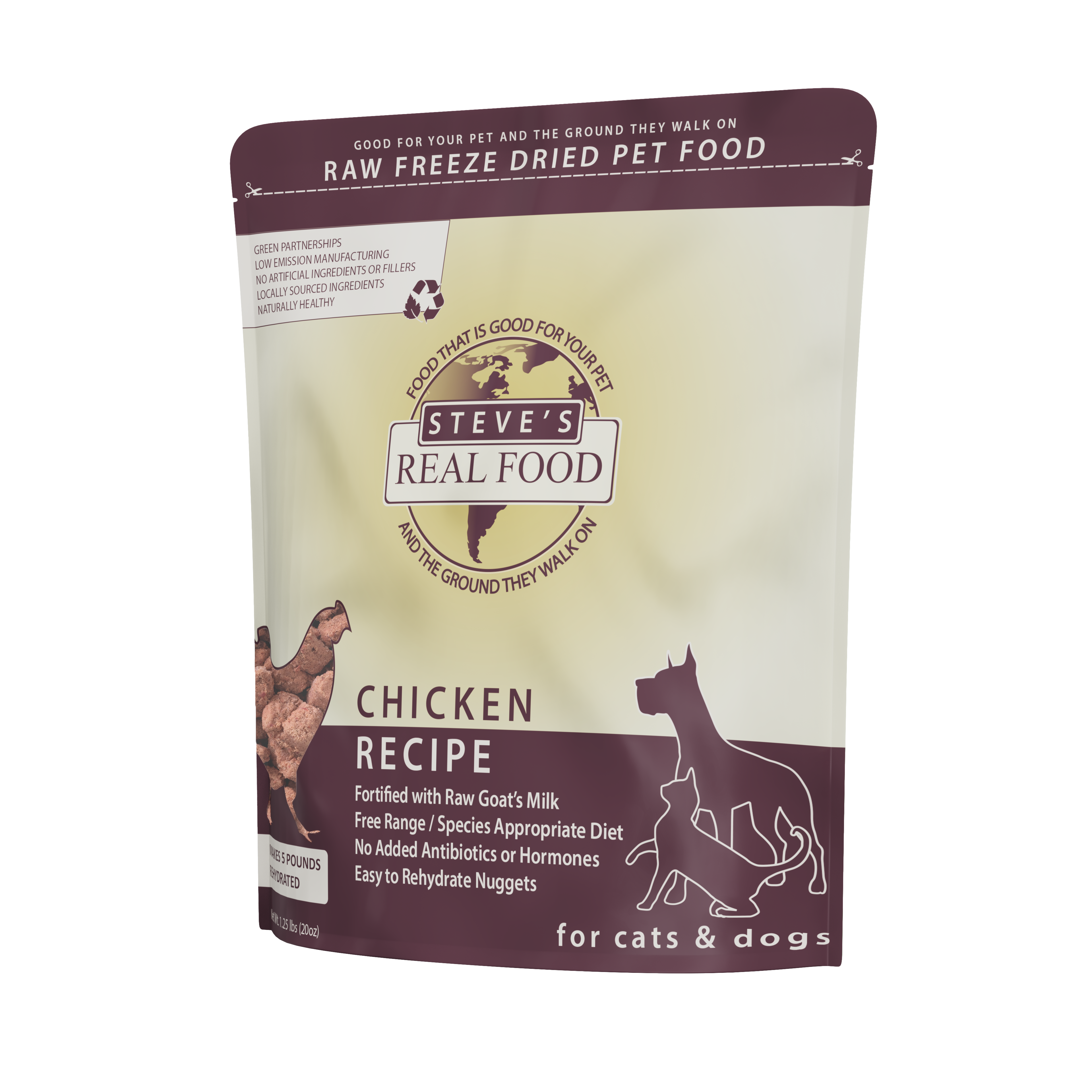 Freeze Dried Raw Food
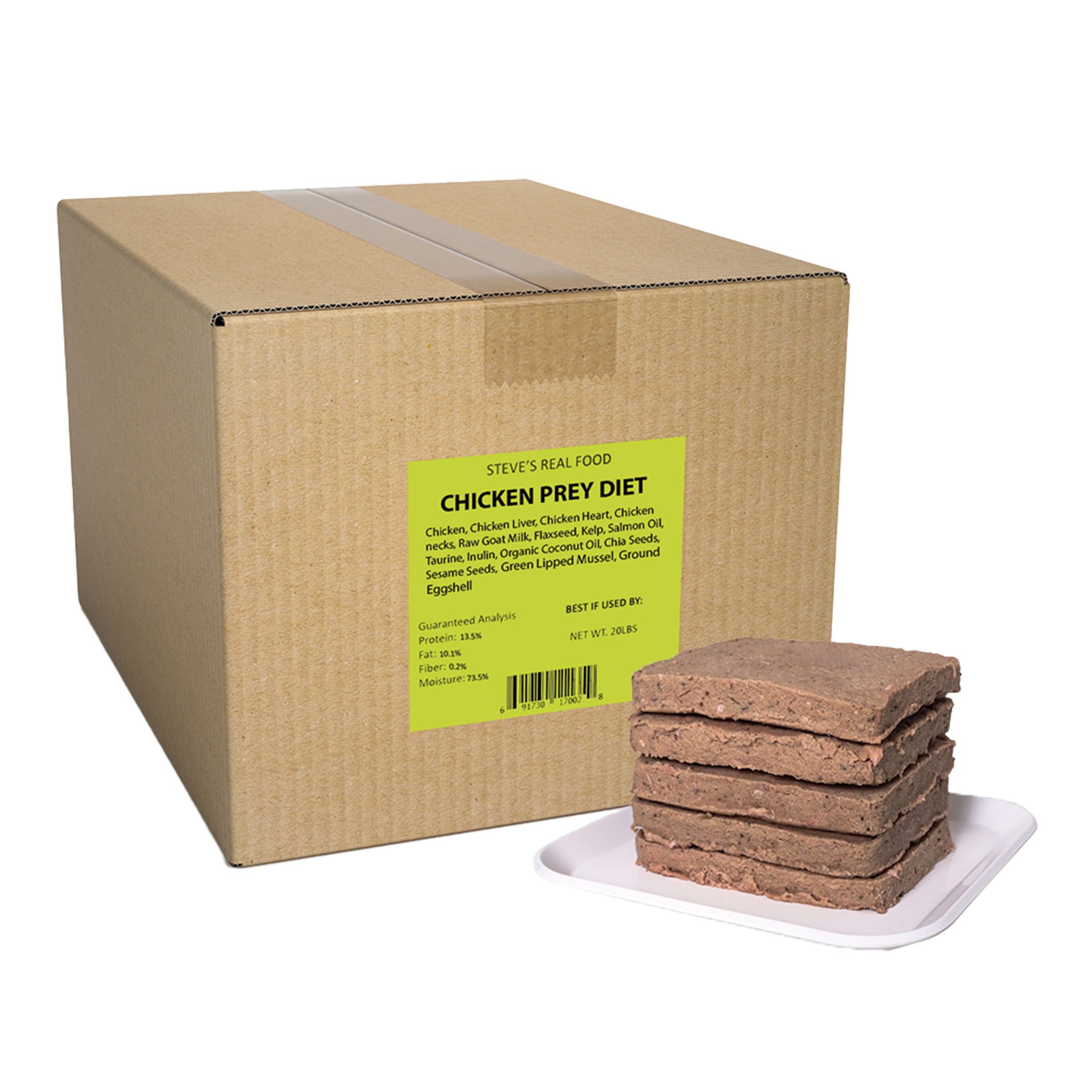 Frozen Prey Diet
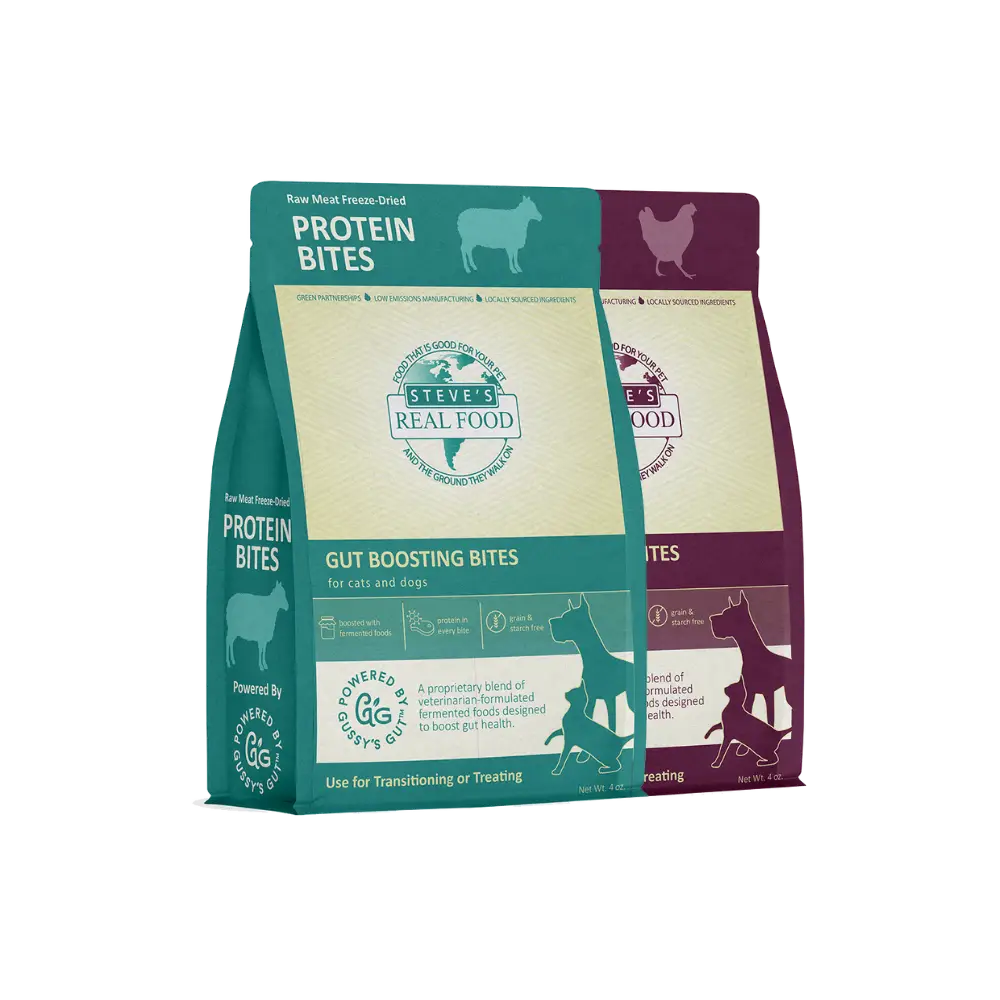 Freeze Dried Protein Bites
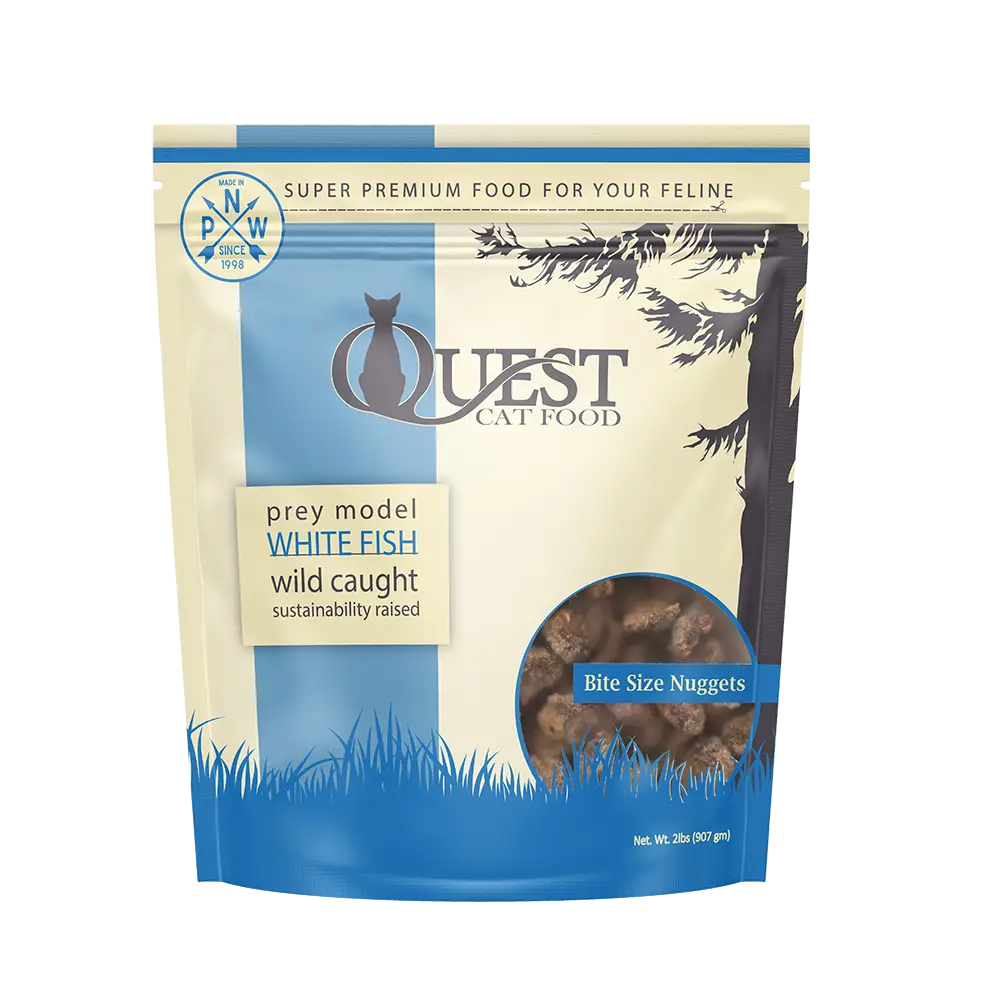 Frozen Raw Quest
 Freeze Dried Raw Quest
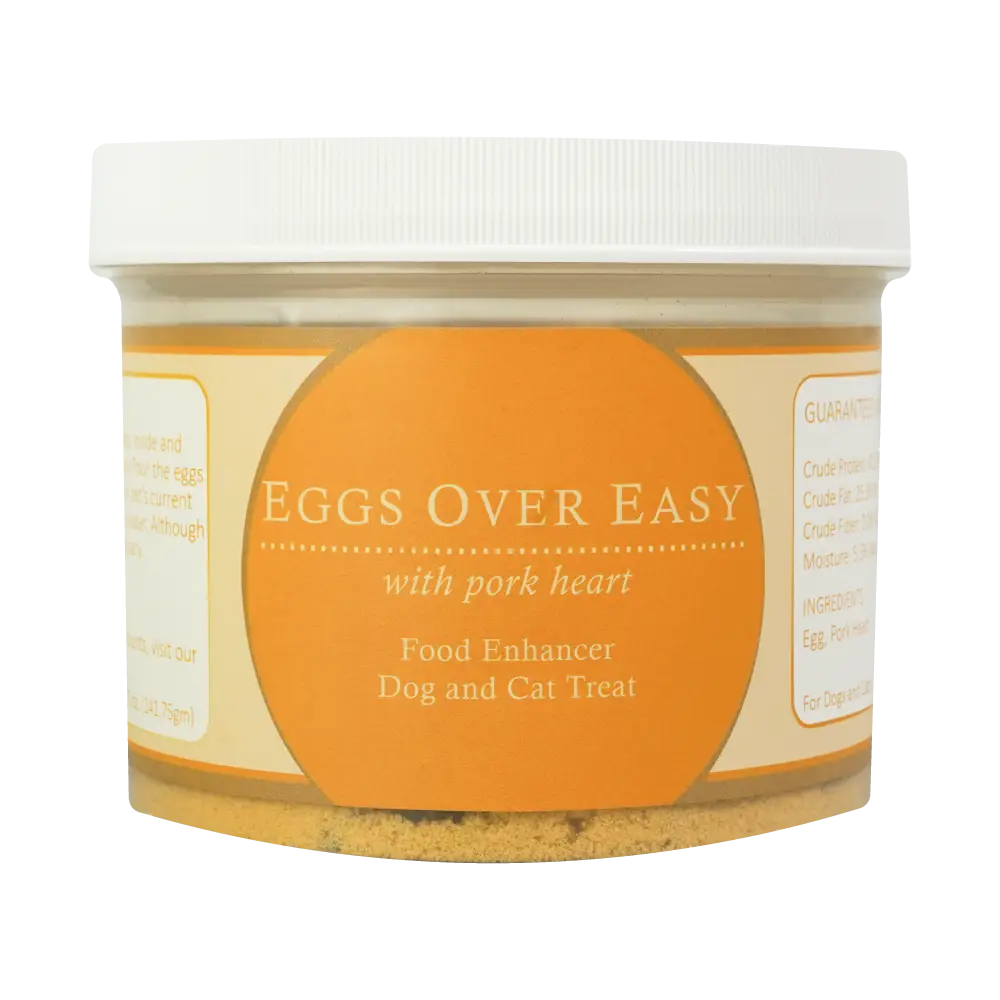 Eggs over Easy
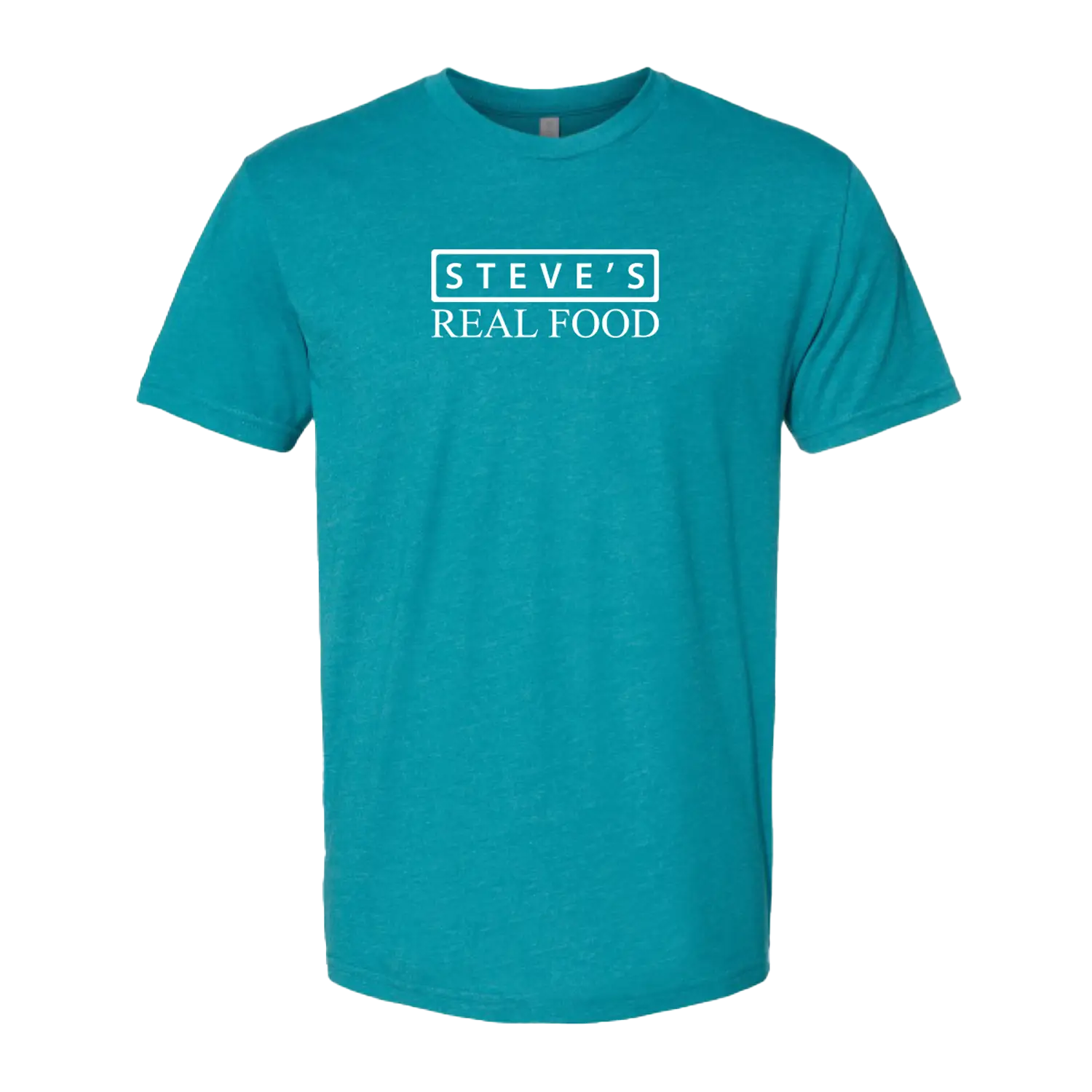 Steve's Merch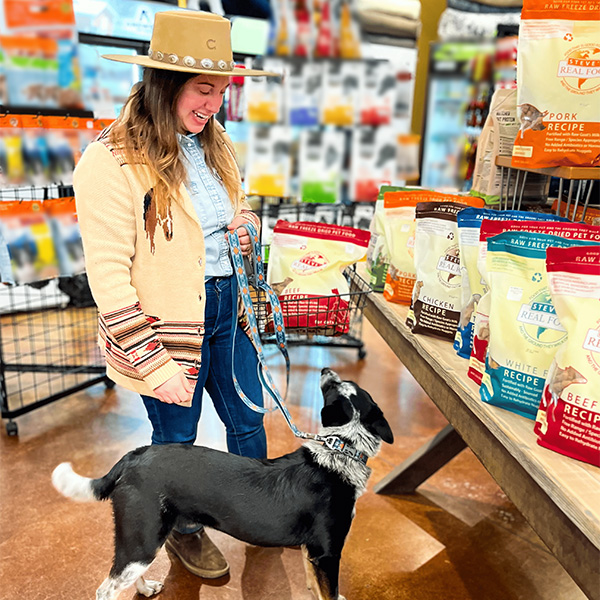

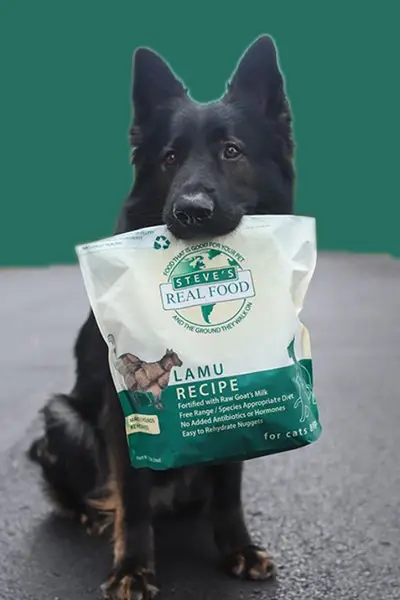

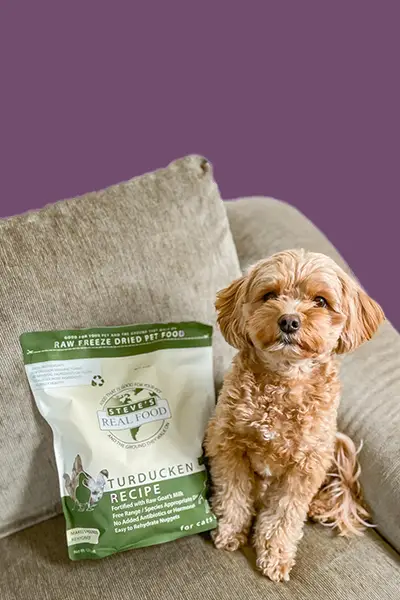


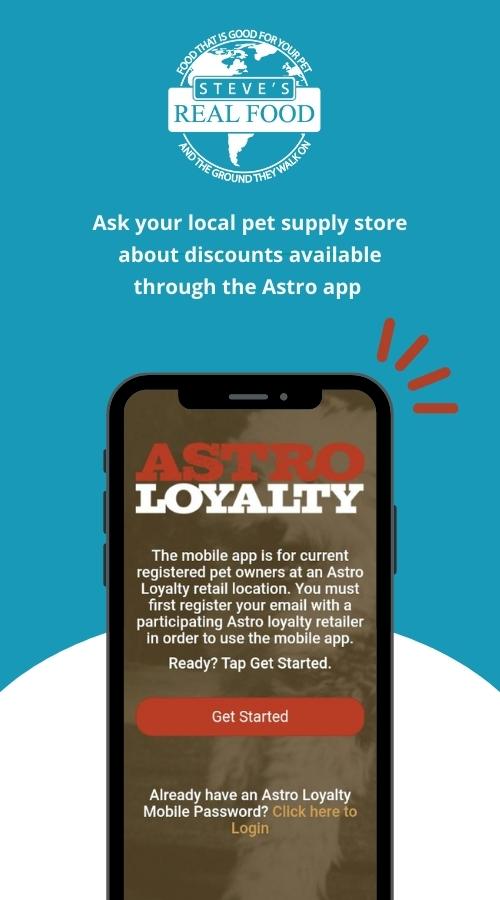


Do More with the Rawsource App
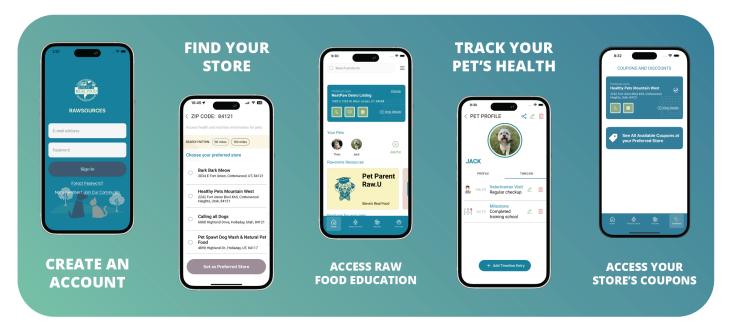
Designed to enhance customer engagement and streamline in-store promotions, our Rawsource app features a user-friendly Feeding Calculator, comprehensive raw food education, and a convenient way for customers to redeem free product trials and exclusive store coupons.
Free Trial Program
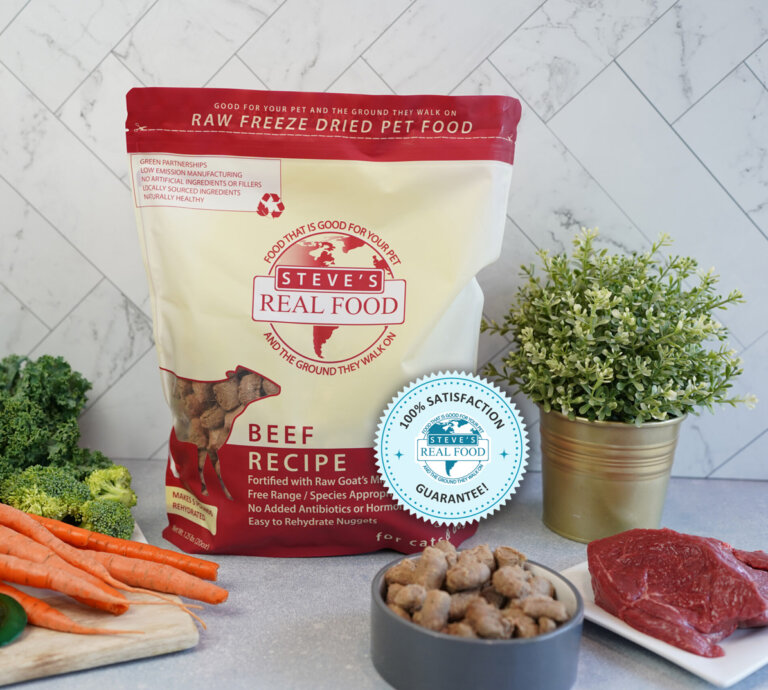
Your customers can grab a free trial of our product and use the Rawsource app to redeem it! We offer a bounce-back coupon after trial redemption.
- Step 1: Open the app and click “Scan QR Code” on the home screen.
- Step 2: Scan the QR code on the trial package.
- Step 3: Click “Redeem [Product] Trial” to generate a bar code.
- Step 4: Show the barcode to the store associate to scan at checkout.
*Ensure that the correct Preferred Store is selected.

About Coupons
How Coupons Work in the App
Contact your Retailer Support Specialist (RSS) for more information on setting up store coupons! This is how your customers will use the app to redeem offers:
- Step 1: Open the app home screen and ensure your preferred store is correct. If it has a coupon icon next to its name, that means the store offers coupons.
- Step 2: Go to the COUPONS tab in the app in the lower righthand corner.
- Step 3: Click “See All Available Coupons at your Preferred Store” to see a list of all the coupons that are available.
- Step 4: Tap an offer to view more details. To use the coupon, click REDEEM NOW to generate a barcode that the store can scan at checkout.
Frequently Asked Questions
How does my store get credited for trials and coupons?
You will be automatically credited back for the trials after the app is used to redeem the trial. The same applies to coupons where the process for receiving credit is automated. You do not need to turn in reports to Steve’s Real Food or distributors. You’ll receive credit automatically within 10 days.
How do I get trials?
You can order trial cases from your distributor.